Most development projects in operating systems for learning are based on UNIX. The idea is to take a different path and explore new perspectives.
The architecture chosen for this iteration of the project was x86 (32-bit), for the following reasons:
I will use the terms "OS" or "system" to refer to "operating system."
In this first iteration, our main goals are:
Some of the implemented features are incomplete. The implementation focused only on testing different aspects and techniques.
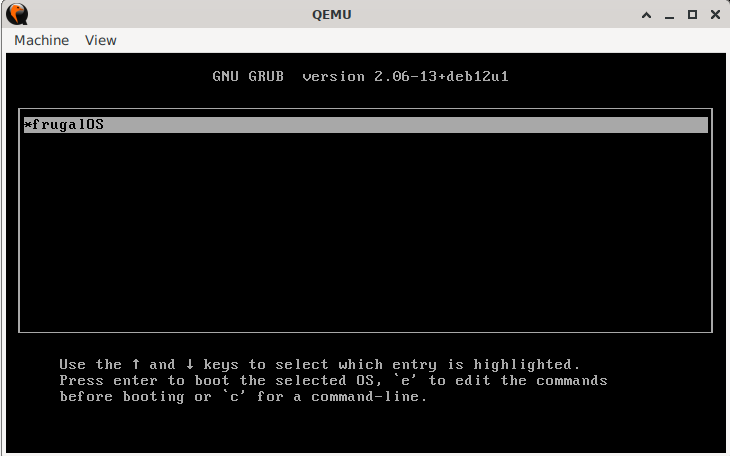
The kernel is compiled with support for Multiboot, so it is possible to use a bootloader such as Grub.
The implementation uses a part written in Assembly (boot.asm).
The system uses a combination of interrupts, coroutines, and message passing to perform the different tasks:
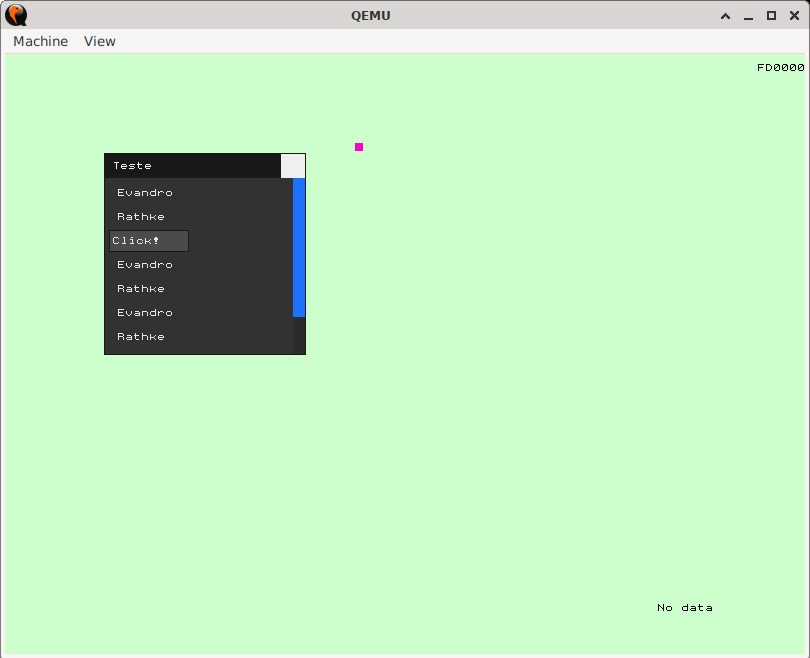
The x86 architecture uses an interrupt table where a function is registered and will be invoked when an interrupt occurs. In "interrupts.asm" this table is populated and all calls are redirected to the kernelInterruptHandler function, implemented in "Kernel.ob07".
Each task can subscribe to a specific interruption. Thus, when that interruption occurs, the task will receive a message in its "inbox." Messages are dispatched by a main task.
The system has a main task that runs in a loop and waits for incoming messages. These messages are sent when timer, keyboard, and mouse interrupts occur.
For each message received, the loop checks what type of message it is and performs the corresponding action:
The project files can be downloaded here.
Instructions on how to compile and run the OS can be found in the README.md document at the root of the package.